Comment se connecter avec l'Energy ID
Step 1
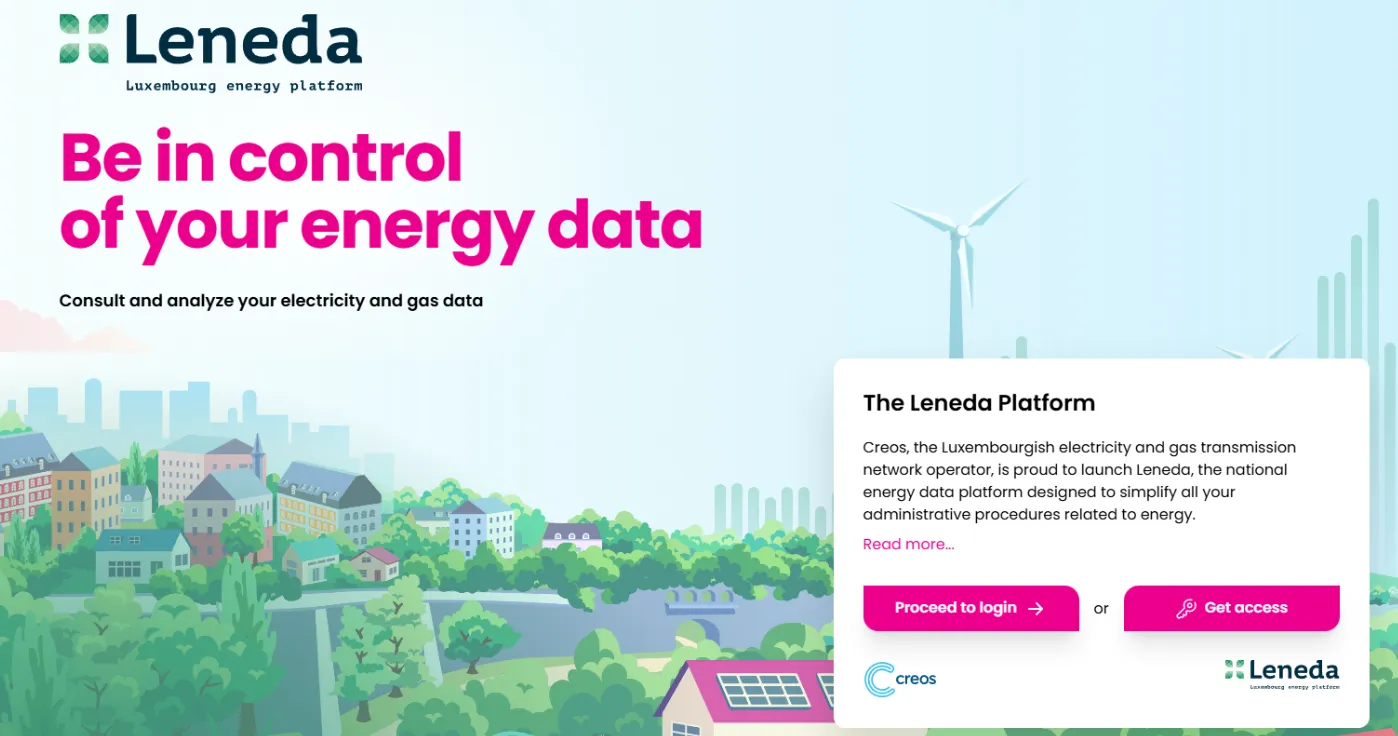
Open your browser and navigate to the web page “https://leneda.eu/”. Once the page loads, you will be presented with the Leneda Main Page, where various options will be displayed. Click on the “Proceed to login” button.
Step 2
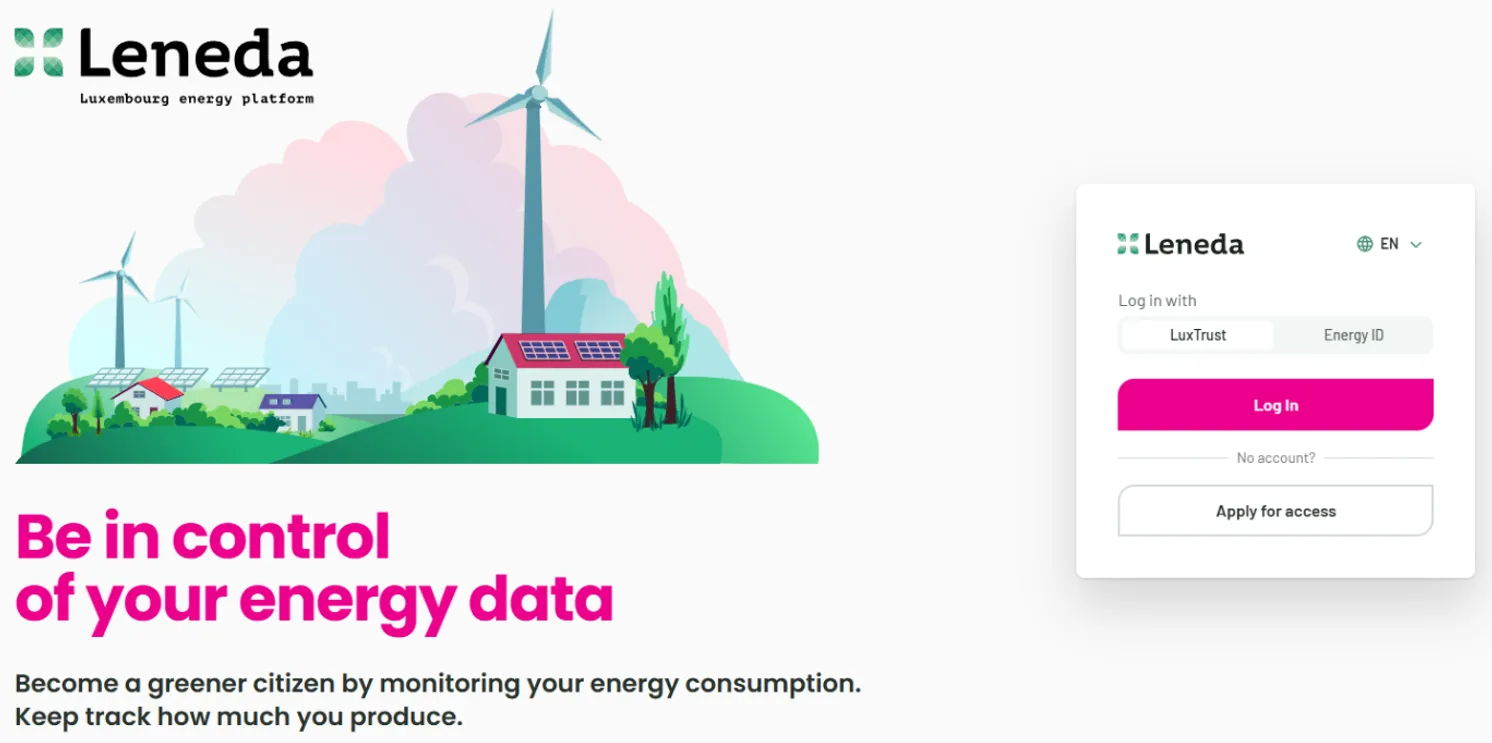
Choose the option to log in with Energy ID. Enter your personal Energy ID and Password, and then click on the “Log in” button.
Step 3
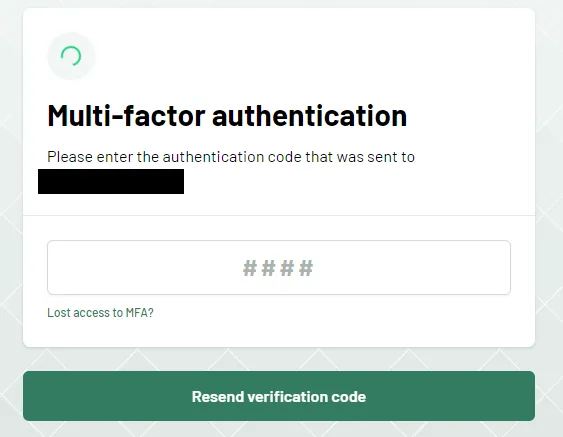
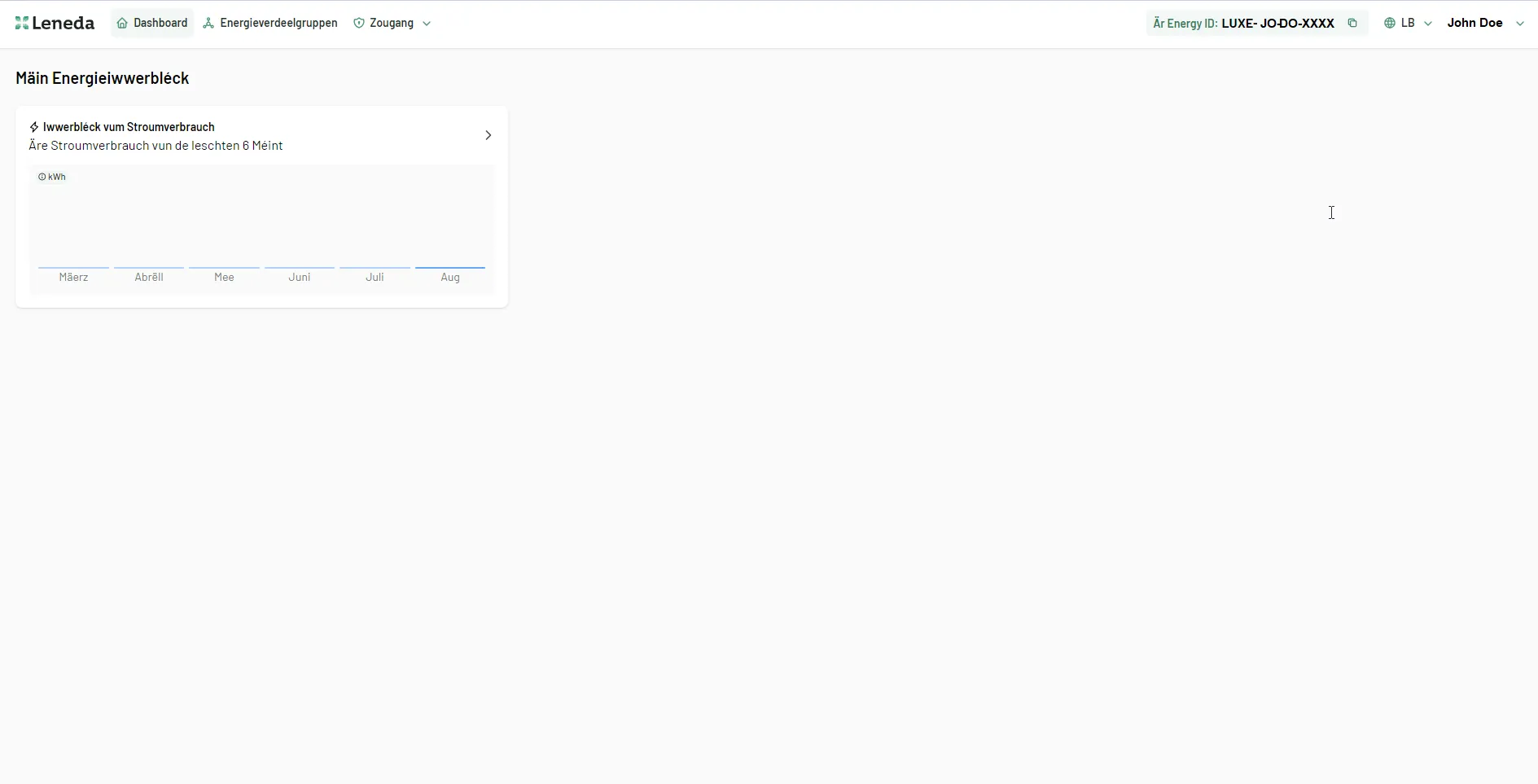
Enter the verification code sent to your email or your mobile phone number. After validation, you will be signed in to Leneda.